Native files
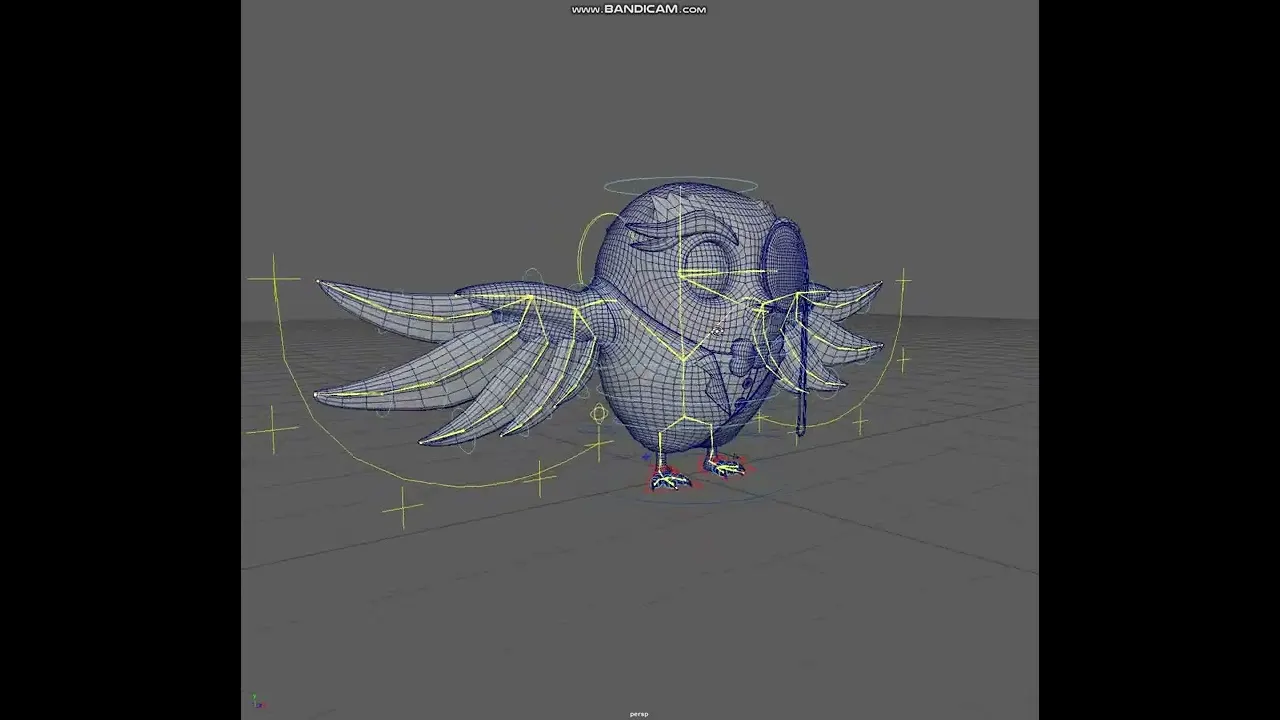
Work built in Blender or Maya, at the version your team is on.
 Start a Project
( C ) BLENDER & MAYA ARTIST //
Some studios live in Maya. Others have moved to Blender. We work in both, so you can add a 3D artist to your team without changing how your team works: your package, your naming, your folders, your way of handing over files.
( 01 ) WHAT YOU GET //
Work built in Blender or Maya, at the version your team is on.
Naming, scale, folders and structure that match your team's.
Tasks taken through your own tracker, chat or review tool.
Files your team can open, understand and keep working on.
Moving assets between Blender and Maya where it makes sense.
( 02 ) THE WORK //
( 03 ) WHAT TO SEND US //
The more of this you can share up front, the faster we can plan it properly.
( 04 ) HOW IT WORKS //
Tell us the goal, the audience and what you've got so far.
We agree the shots, the deliverables and the timeline before any work starts.
The making, with progress you can see along the way.
You give notes. We tighten it until it's right.
Final files in the formats and sizes we agreed.
( 05 ) QUESTIONS //
Often, yes, though rigs usually need rebuilding in the new package. We'll check your files and tell you what moves over cleanly.
We agree the renderer with you at the start, based on your project and pipeline.
Modeling, rigging, animation and cleanup. Each one has its own page with the details: see the related services below.
( 07 ) START A PROJECT //